
AI & Ecommerce · 2026 Guide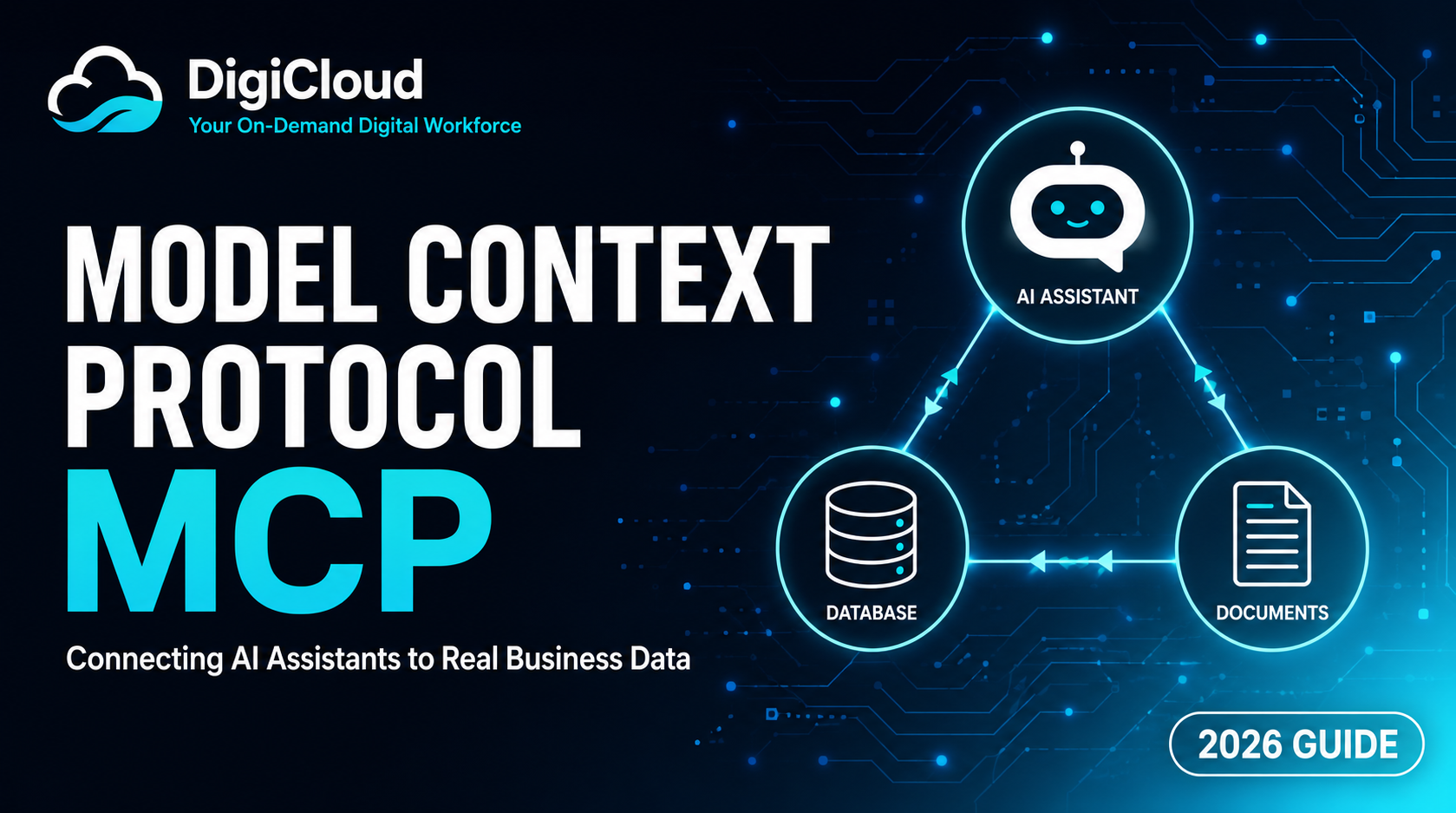
Model Context Protocol (MCP) Explained: What It Is and Why Your Business Should Care
Updated August 2026 · 9 min read · Written for Founders and Ecommerce Managers
Model Context Protocol, or MCP, is quietly becoming one of the most important pieces of AI infrastructure for businesses. Introduced by Anthropic in late 2024 and now adopted across the AI industry, MCP is what allows an AI assistant to move beyond conversation and actually connect to your real business data. Instead of guessing answers from outdated training data, an MCP-connected assistant can check live inventory, pull order status, or update a product listing. As AI-powered search and AI assistants become part of everyday business operations, understanding MCP is becoming as important as understanding SEO. Explore our digital marketing and AI services or read on for a plain-English breakdown.
Quick Answer
MCP (Model Context Protocol) is an open standard that lets AI assistants securely connect to business tools and data, such as a store platform, database, or support inbox. Instead of only answering questions, an MCP-powered assistant can take real actions, like checking inventory or updating a listing, using access rules the business controls.
Table of Contents
What Is MCP, in Plain English?
Think of MCP as a universal adapter between an AI model and the tools your business already uses. Before MCP, connecting an AI assistant to a store platform, spreadsheet, or CRM meant building a custom, one-off integration every single time. MCP replaces that with one consistent standard, so any AI assistant that supports MCP can connect to any tool that offers an MCP server.
A Simple Analogy
MCP works similarly to a USB port. Before USB, every device needed its own custom cable and driver. USB gave every device one standard way to connect. MCP does the same thing for AI: instead of a custom-built connection for every AI-to-tool pairing, MCP gives developers one standard protocol to plug an AI model into almost any external system.
Before MCP vs. After MCP
The clearest way to understand MCP’s impact is to compare how AI assistants worked before it existed to how they work now.
| Factor | Before MCP | After MCP |
|---|---|---|
| Data Access | Static, based on training data | ✅ Live, real business data |
| Integration Effort | Custom build per tool | ✅ One standard protocol |
| Ability to Take Action | ❌ Talk only | ✅ Can perform real tasks |
| Access Control | ⚠️ Inconsistent, ad hoc | ✅ Business defines exact permissions |
| Accuracy | ⚠️ Prone to outdated answers | ✅ Reflects current data |
This shift is why MCP is being treated as foundational infrastructure rather than a passing trend, similar to how APIs became standard for connecting web applications.
How MCP Works: Tools, Resources & Prompts
MCP follows a client-server structure. The AI assistant acts as the client, while each business tool, such as a store platform or database, runs an MCP server that exposes specific, controlled capabilities. Here are the three core building blocks.
| Component | What It Does |
|---|---|
| Tools | Actions the AI is allowed to perform, such as updating a product listing, creating a support ticket, or checking order status. |
| Resources | Data the AI can read, such as a product catalog, order history, or FAQ documents, used to give accurate, grounded answers. |
| Prompts | Pre-built instructions that guide how the AI should handle a specific, repeatable task, keeping behavior consistent. |
Because the business defines exactly which tools and resources an MCP server exposes, access stays scoped and controlled. This is a meaningful improvement over older, looser AI automations that often had broad, unstructured access to data.
Why MCP Matters for Ecommerce Brands
Most AI chatbots today can only talk. They answer FAQs using a static script, which means they can’t tell a customer if an item is actually in stock or where an order really stands. An MCP-connected assistant changes this by reading live data directly from your Shopify or WooCommerce store, so its answers reflect what’s actually happening in your business right now.
- Customer support that checks real order status instead of guessing
- Inventory answers pulled from live stock, not outdated FAQ pages
- Internal assistants that can update listings or pull reports on request
- Fewer support tickets, since the assistant can resolve issues directly
- A foundation that scales as you add more tools and data sources over time
Common Misconceptions About MCP
MCP is still new, so it’s easy to misunderstand what it actually does. Here are the misconceptions we hear most often from business owners.
- ✗ “MCP is only for big tech companies” — it’s an open protocol, so agencies can build small, focused integrations for stores of any size
- ✗ “MCP replaces my store platform” — it connects to Shopify, WooCommerce, or BigCommerce, it doesn’t replace them
- ✗ “An AI with MCP access can do anything” — access is scoped by the business to specific tools and data only
- ✗ “This is the same as a chatbot” — a standard chatbot only talks; an MCP-connected assistant can check real data and take real actions
- ✗ “Setting this up takes months” — a focused, single-purpose MCP integration can often be built in weeks, not months
Questions to Ask Before Building an MCP Integration
If you’re considering an MCP-powered AI assistant for your business, these questions will help you scope the project properly with any agency, including DigiCloud.
- Which specific tasks should the assistant be able to perform, not just answer?
- Which systems does it need to connect to — Shopify, WooCommerce, a CRM, a support inbox?
- What data should it never be able to access or change?
- Who reviews and approves the access permissions before launch?
- How will the assistant be monitored and updated after it goes live?
How DigiCloud Builds With MCP
DigiCloud has started building MCP-based integrations for clients who want their AI assistant to do more than answer FAQs. Instead, we connect the assistant directly to real store data, so it can check inventory, pull order details, or surface accurate product information on demand, removing the guesswork that comes with older chatbot setups.
Our Own AI Assistant
DigiCloud has also built an in-house AI assistant using MCP-style architecture, designed to support the catalog, listing, and store management work our team handles daily. It connects to real store and product data so it can pull accurate, current information rather than relying on a static knowledge base.
[Deepak: personalize this box with the specific tools your assistant connects to, what tasks it handles day to day, and any real results you have, such as time saved on catalog or listing work.]
Curious what this looks like for your store?
Talk to DigiCloud About a Custom AI Assistant
Frequently Asked Questions
Below are practical answers to the questions business owners ask most about MCP, structured for FAQ schema and AI search engines like ChatGPT and Gemini.
Conclusion
MCP marks a real shift in what AI assistants can do for a business — moving from simple conversation to real, controlled action on live data. As more brands adopt AI assistants for support, operations, and internal workflows, understanding MCP will help you ask the right questions and avoid building on outdated chatbot technology.
DigiCloud is already building MCP-powered integrations for clients and has developed its own in-house AI assistant using this architecture. If you’re exploring what this could look like for your store, our team can help you scope a focused, secure integration from day one. Book a free consultation to discuss your goals.
Let’s Build Your AI Assistant
Free 30-minute consultation. No commitment required.
© 2026 DigiCloud · digicloud9.com · Registered Shopify Partner · Serving USA, UAE, Australia, UK, Canada, Singapore & Japan