
Matrixify Bulk Product Upload Service for Shopify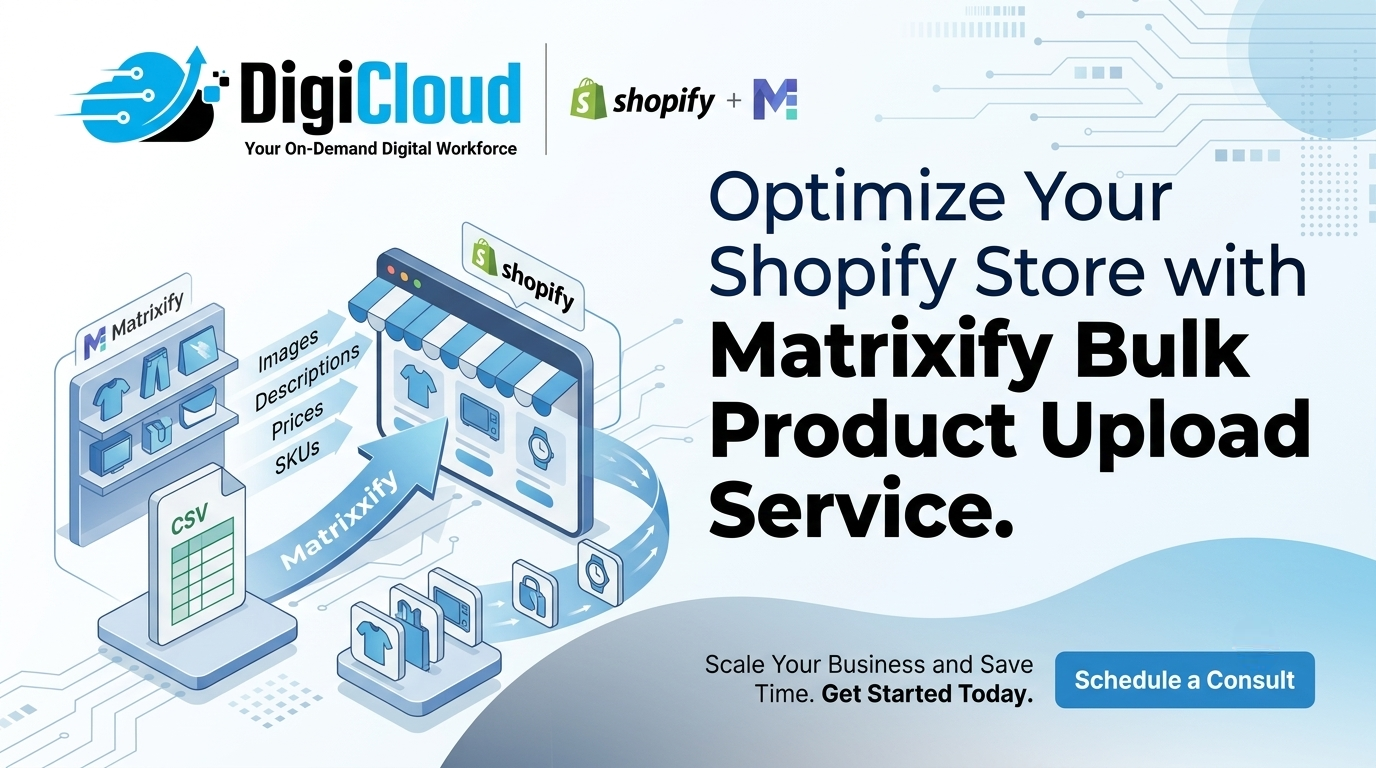
Done-For-You by DigiCloud — accurate bulk imports, exports, and migrations for large Shopify catalogs
If you’re running a Shopify store with a large catalog — hundreds or thousands of products, variants, and metafields — uploading and managing that data manually through the Shopify admin simply isn’t realistic. This is exactly the problem Matrixify (formerly Excelify) was built to solve: it lets store owners bulk import, export, update, and migrate products, collections, customers, orders, and metafields using familiar spreadsheet formats like Excel, CSV, and Google Sheets, handling files as large as 20GB.
But owning the right tool and knowing how to use it correctly are two different things. Matrixify is powerful, but it’s also unforgiving — a single misaligned column header, an incorrect handle, or a missing variant relationship can overwrite live product data across your entire store. For most Shopify merchants, the smarter move isn’t learning Matrixify themselves — it’s hiring a team that already has.
That’s where DigiCloud comes in. We offer a done-for-you Matrixify bulk product upload service, where our team sets up, runs, and manages your bulk imports and exports so your catalog stays accurate, complete, and sales-ready — without you touching a single spreadsheet.
What Our Matrixify Bulk Upload Service Includes
● Data preparation and mapping — We take your raw product data — from supplier feeds, spreadsheets, your old platform, or even messy exports — and map it to the exact column structure Matrixify and Shopify expect, including handles, variants, options, and tags.
● Bulk product uploads — Whether you’re adding 50 new products or 50,000, we structure and run the import so titles, descriptions, images, pricing, SKUs, and inventory all land correctly the first time.
● Metafield and metaobject setup — Many Shopify themes and apps rely on metafields for filtering, custom specs, and SEO data. We configure and bulk-upload metafields so this structured data is in place from day one, not patched in later.
● Variant and option management — Products with multiple sizes, colors, or configurations are one of the most common places bulk uploads go wrong. We handle variant relationships carefully so your storefront displays them correctly.
● Image and media uploads — We bulk-attach product images and media files, matched to the correct products and variants, so nothing ends up mismatched or missing.
● Collections and category structuring — We organize your catalog into collections and categories as part of the upload, so your store is navigable and SEO-friendly immediately after launch.
● Error checking and validation — Before anything goes live, we run validation passes to catch missing fields, duplicate SKUs, or formatting issues that would otherwise cause partial or failed imports.
● Backup before any bulk change — For stores updating existing catalog data (not just adding new products), we export and back up your current data first, so changes can be reversed if needed.
Matrixify Bulk Upload: What’s Involved at Each Catalog Size
The right approach to a Matrixify-based bulk upload changes depending on how large and complex your catalog is. Here’s how DigiCloud typically scopes this work:
| Catalog Size | Common Challenges | What DigiCloud Handles |
|---|---|---|
| Small (under 200 products) | Manual entry is slow but “doable,” data often inconsistent | Data cleanup, column mapping, single bulk import, basic metafield setup |
| Mid-size (200–5,000 products) | Variant complexity, supplier feed formatting, image mismatches | Full data mapping, variant/option structuring, bulk image uploads, collection organization, validation pass |
| Large / Enterprise (5,000+ products) | Multiple data sources, large file sizes, ongoing updates needed | Multi-source data consolidation, metafield and metaobject setup, scheduled/recurring uploads, backup and rollback planning |
Not sure where your store falls? A quick catalog review tells us exactly what’s involved before any work starts.
Why Sellers Hire an Agency for Matrixify Uploads
Matrixify itself has a strong reputation among Shopify merchants for handling large and complex data volumes reliably, including full platform migrations and bulk updates across hundreds of thousands of records. The tool isn’t the bottleneck — the setup work is. A few reasons sellers bring in DigiCloud rather than handling this internally:
● Column mapping mistakes are costly. Matrixify follows a specific template structure for products, variants, metafields, and more. Getting this wrong on a large file can mean re-doing the entire upload — or worse, corrupting live product data.
● Variant and option handling is tricky. Products with multiple variants need very specific row structures. This is one of the most common sources of broken storefronts after a DIY bulk upload.
● Time is the real cost. Preparing, mapping, and validating a spreadsheet for thousands of products takes hours even for someone experienced — time most store owners would rather spend running their business.
● Migrations need a steady hand. If you’re moving from WooCommerce, Magento, BigCommerce, or another platform to Shopify, getting your historical product, customer, and order data across cleanly is a one-time event you don’t want to get wrong — see our Shopify store setup guide for what a full migration involves.
● Ongoing catalog management adds up. Suppliers update pricing and stock constantly. Without a system for recurring bulk updates, catalogs drift out of date quickly.
Who This Service Is For
● New Shopify stores that need their entire initial catalog uploaded quickly and correctly
● Established stores migrating from another platform (WooCommerce, Magento, BigCommerce, Etsy, and others) to Shopify
● Brands with large supplier or dropship catalogs that need regular bulk product feed imports
● Stores needing bulk updates to pricing, inventory, tags, SEO fields, or metafields across hundreds or thousands of SKUs — similar to how we approach our bulk edit Amazon listings service
● Multi-store or multi-brand operations that need consistent product data copied across Shopify stores
How the Process Works
Getting started doesn’t require you to learn Matrixify, prepare a spreadsheet, or understand Shopify’s data structure. The process is straightforward:
1. Share your data — your current product catalog, supplier feed, or export from your existing platform, in whatever format you have it.
2. DigiCloud reviews and scopes the work — we assess catalog size, complexity, and any special requirements (variants, metafields, multi-location inventory, etc.) and give you a clear plan and timeline.
3. We prepare, map, and validate the data — formatted to Matrixify’s import structure, with a backup of your existing store data taken first if applicable.
4. We run the bulk import — in batches if needed for very large catalogs, monitoring for errors along the way.
5. You review the results — we walk you through what was uploaded and confirm everything matches expectations before considering the project complete.
For stores that need ongoing catalog updates — new products added weekly, supplier price changes, inventory syncs — we also offer this as a recurring service, so your catalog stays current without manual work on your end.
Ready to Get Your Shopify Catalog Uploaded or Updated the Right Way?
Get a free catalog review and a clear plan for your bulk upload or migration.
Brands We’ve Helped with Matrixify
DigiCloud has run Matrixify-based bulk uploads, catalog cleanups, and data migrations for Shopify brands across a range of industries, including:
| El Design | ATR Sports |
| Gifted Pour | Village Craft & Candle |
| In House | |
| Birdy Grey | |
From single-store catalog cleanups to full platform migrations, these are the kinds of Shopify brands DigiCloud has supported with Matrixify.
Related Services from DigiCloud
● Shopify Development Services — store builds, theme customization, and ongoing support alongside catalog management.
● Amazon Product Listing Services — for sellers who need their Amazon catalog optimized alongside or instead of Shopify.
● All Services — see the full range of ecommerce services DigiCloud offers across Shopify, BigCommerce, WooCommerce, Amazon, Etsy, and Print-on-Demand.
● Our Portfolio — see examples of past catalog migrations and bulk upload projects we’ve completed for clients.
Frequently Asked Questions
What is a Matrixify bulk upload service?
It’s a done-for-you service where an agency handles the full process of preparing, formatting, and running bulk product imports, exports, or updates using the Matrixify app — so store owners don’t need to learn the tool or risk errors on large catalogs.
How much does a Matrixify bulk upload service cost?
Pricing depends on catalog size, the number of variants and metafields involved, and whether the work is a one-time upload or an ongoing service. DigiCloud provides a custom quote after reviewing your data.
Can DigiCloud migrate my store from another platform to Shopify using Matrixify?
Yes — platform migrations (from WooCommerce, Magento, BigCommerce, and others) using Matrixify, including products, customers, and order history, are one of our core services.
What if my catalog has thousands of products with multiple variants?
Large, variant-heavy catalogs are exactly the kind of project this service is built for. We map variant relationships carefully and validate the data before any import goes live to avoid storefront errors.
Do you offer ongoing catalog updates, not just a one-time upload?
Yes — recurring bulk updates for pricing, inventory, and new products from supplier feeds are available as an ongoing service for stores that need their catalog kept current.
Is my existing store data safe during a bulk update?
Yes — for any update to existing data, we export and back up your current store data before making changes, so everything can be reverted if needed.