
Trusted by 500+ Global Businesses · 11+ Years · Zero-Downtime Migrations
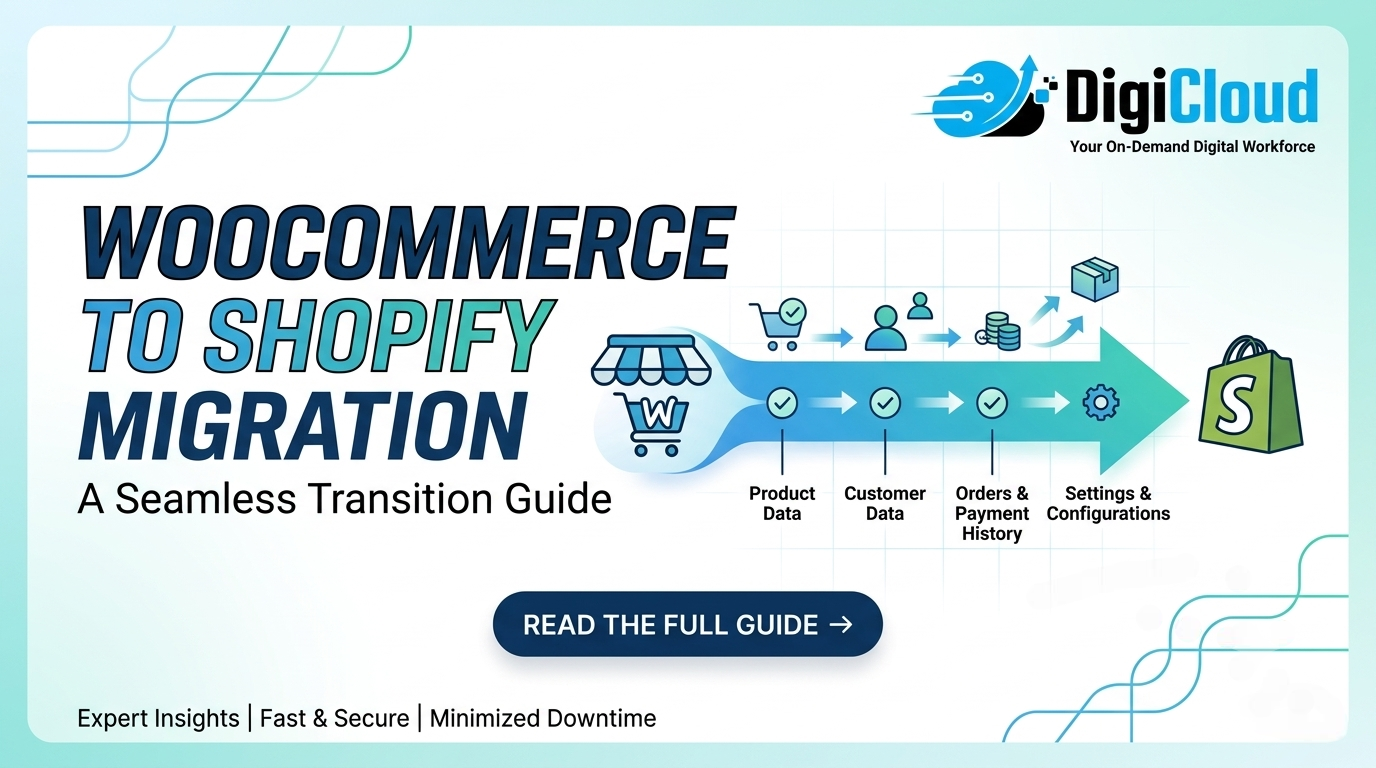 WooCommerce to Shopify Migration: Why Growing Businesses Choose DigiCloud
DigiCloud has migrated hundreds of WooCommerce stores to Shopify — without losing a single ranking, a single order, or a single customer. Here’s how we do it, and why businesses worldwide trust us with their migration.
$100K–$20M+ Revenue
98% Client Satisfaction
Why Businesses Choose DigiCloud for WooCommerce Migration
11+
Years Experience
500+
Stores Migrated Globally
98%
Client Satisfaction Rate
0
Planned Downtime
24/7
Post-Migration Support
📋 Table of Contents
- Why Businesses Hire DigiCloud for Migration
- Why Businesses Move from WooCommerce to Shopify
- Signs You’ve Outgrown WooCommerce
- What DigiCloud Migrates for You
- Migration Risks DigiCloud Eliminates
- How DigiCloud Protects Your SEO Rankings
- How DigiCloud Protects Your Customers
- DigiCloud’s 6-Phase Migration Methodology
- DIY vs Freelancer vs DigiCloud
- Frequently Asked Questions
- Start Your Migration with DigiCloud
A WooCommerce to Shopify migration is one of the most impactful decisions a growing ecommerce business can make — however, it is also one of the easiest to get wrong. Slow page speeds despite expensive hosting, plugin conflicts that break checkout without warning, a developer dependency that makes every update a project — these are the realities that push businesses to migrate. Moreover, these problems compound over time, directly eroding margin, conversion rate, and team productivity.
For businesses doing $100K to $20M+ in annual revenue, the question is therefore not whether to move to Shopify — it’s who to trust with the migration. Specifically, you need a partner who ensures nothing breaks, no rankings are lost, and no customers are disrupted during the switch.
That’s where DigiCloud comes in. With 11+ years of ecommerce experience and 500+ stores delivered for businesses across the US, UK, Australia, Canada, UAE, and Europe — DigiCloud is the WooCommerce to Shopify migration partner that ecommerce brands hire when they can’t afford to get it wrong.
Why Businesses Hire DigiCloud for WooCommerce to Shopify Migration
DigiCloud is not a generalist web agency that happens to offer WooCommerce to Shopify migration. Rather, Shopify development and platform migration are core competencies — built over 11 years and 500+ international deployments. Consequently, every migration DigiCloud handles follows a structured 6-phase methodology that eliminates the risks that cost businesses rankings, revenue, and customers when migrations go wrong.
Why Businesses Move from WooCommerce to Shopify
Growing ecommerce businesses move from WooCommerce to Shopify for five consistent reasons: better performance at scale, reduced maintenance overhead, stronger security, superior conversion tooling, and access to Shopify Plus for enterprise growth. These aren’t platform preferences — they’re business outcomes that DigiCloud clients experience after every migration.
⚡
Performance that doesn’t require constant intervention
Shopify’s globally distributed CDN infrastructure delivers faster load times and better Core Web Vitals scores by default — without the hosting upgrades, database optimisations, and plugin audits WooCommerce demands at scale. DigiCloud’s performance optimisation process applied at migration consistently improves LCP and CLS scores from day one.
🔒
Native PCI compliance and security
Shopify manages PCI DSS compliance and SSL natively. WooCommerce stores must maintain their own security stack — an increasing liability as stores grow. DigiCloud migrates your store to Shopify’s managed security infrastructure and never leaves your payment compliance to chance.
🔧
Lower operational cost and developer dependency
WooCommerce stores require continuous plugin updates, hosting management, database optimisation, and security patching. Shopify’s SaaS model eliminates most of this — freeing your team from platform maintenance and reducing your ongoing development costs. DigiCloud clients consistently report lower total cost of ownership within 6 months of migration.
📈
Conversion tooling that actually works
Shopify’s native checkout, one-click upsell capabilities, and CRO-focused app ecosystem consistently outperform equivalent WooCommerce setups for growing D2C brands. DigiCloud’s migration process includes CRO configuration at launch — not as an afterthought.
🚀
Shopify Plus for enterprise scale
For businesses approaching $1M+ in revenue, Shopify Plus offers enterprise-grade features — custom checkout flows via Checkout Extensibility, Shopify Scripts, multi-store management, and dedicated infrastructure — that WooCommerce cannot match. DigiCloud migrates to both standard Shopify and Shopify Plus depending on your scale.
Signs You’ve Outgrown WooCommerce
Most businesses that migrate to Shopify recognise three or more of these signs before they reach out to DigiCloud. If several of these describe your current situation, a migration assessment is worth scheduling — before these issues compound further.
Page speed is slow despite hosting upgrades and optimisation attempts
Plugin conflicts regularly break checkout, cart, or product pages
Every small update requires a developer — nothing is self-serve
Hosting and infrastructure costs are rising faster than revenue
Security incidents or payment gateway issues have occurred
Core Web Vitals scores remain poor despite multiple optimisation attempts
Mobile experience lags behind competitors despite a responsive theme
Scaling for peak events (Black Friday, product launches) requires manual intervention
Checkout abandonment is high and A/B testing is difficult to run
Your team spends more time managing the platform than growing the business
Recognise 3 or more of these? It’s time to talk.
What DigiCloud Migrates in a WooCommerce to Shopify Migration
DigiCloud migrates every data type your business depends on — products, customers, orders, SEO metadata, blog content, and more — with full validation before go-live. Nothing is left unaccounted for. Here is exactly what we handle:
| Data Type | DigiCloud Handles It | How |
|---|---|---|
| Products & Variants | ✓ Full | Title, description, images, price, SKU, inventory via Matrixify bulk import with validation |
| Product Categories | ✓ Full | Mapped to Shopify Collections with custom conditions and merchandising logic |
| Customer Accounts | ✓ Full | Names, emails, addresses migrated; pre-launch password reset campaign managed by DigiCloud |
| Order History | ✓ Full | Historical orders with status, items, and values — validated against WooCommerce source |
| Meta Titles & Descriptions | ✓ Full | Transferred and validated in Shopify — critical SEO task completed before DNS switch |
| SEO URLs & 301 Redirects | ✓ Full | Complete URL mapping and redirect implementation — every changed URL covered |
| Blog Posts & Pages | ✓ Full | Content, images, and metadata transferred; redirects set for all changed blog URLs |
| Product Images | ✓ Full | Migrated with products; WebP optimisation applied for performance improvement |
| Product Reviews | ✓ Partial | Reviews and ratings imported via app; scope confirmed during DigiCloud discovery |
| GA4, Merchant Center, Tracking | ✓ Full | All tracking verified and live before DNS switch — no analytics blind spots post-launch |
| WooCommerce Plugins | ✓ Replaced | All plugin functionality mapped to Shopify native features or best-fit Shopify apps |
Why Complete Data Validation Is Non-Negotiable
Furthermore, every item in the table above is validated against your WooCommerce source records before DigiCloud grants go-live approval. According to Shopify’s official migration documentation, incomplete data transfers are among the leading causes of post-migration issues. Therefore, DigiCloud’s validation step is non-negotiable — not an optional extra. Your WooCommerce to Shopify migration only goes live when every record checks out.
Not sure what your migration involves?
DigiCloud offers a free migration assessment — we scope your store, identify risks, and give you a clear timeline and cost estimate. No obligation.
WooCommerce to Shopify Migration Risks DigiCloud Eliminates
The businesses that attempt DIY migrations or hire the wrong agency spend months recovering. DigiCloud’s structured methodology is specifically designed to eliminate the six risks that cause migration failures. Here’s what we prevent — and how:
⚠️ SEO Rankings Loss → DigiCloud’s Response
A complete pre-migration URL crawl builds the redirect map. Subsequently, 301 redirects are implemented for every changed URL, all metadata is transferred, and Google Search Console is monitored for 30 days post-launch. As a result, most DigiCloud migrations see zero long-term ranking impact.
⚠️ Broken URLs and 404 Errors → DigiCloud’s Response
Every URL is crawled, mapped, and redirect-tested in a staging environment before DNS switch. Unlike most agencies, DigiCloud validates 100% redirect coverage — not a sample. A post-launch crawl then confirms no 404 errors from migrated content.
⚠️ Data Loss or Corruption → DigiCloud’s Response
A full pre-migration backup is taken before any data transfer begins. Following this, every migrated record — products, customers, orders — is validated against WooCommerce source data. Crucially, DigiCloud does not go live on unvalidated data under any circumstances.
⚠️ Checkout and Payment Failures → DigiCloud’s Response
A minimum of five end-to-end test transactions are completed across all payment methods, devices, and geographies. Additionally, order confirmation emails, shipping notifications, and account creation flows are all verified before the DNS switch is approved.
⚠️ Analytics Tracking Gaps → DigiCloud’s Response
Google Analytics 4 events, Shopify Pixel, Google Merchant Center feeds, and paid media tracking are verified as active before DNS switch. Moreover, DigiCloud monitors GA4 and GSC for 48 hours post-launch to catch any tracking gaps immediately — before they distort reporting.
⚠️ Customer Login Issues → DigiCloud’s Response
A professionally written pre-launch customer email campaign is managed by DigiCloud — framed as a platform upgrade, not a disruption. This proactive communication dramatically reduces post-launch support volume and eliminates the customer friction that password changes otherwise create.
How DigiCloud Protects Your SEO Rankings
SEO preservation is not a checklist item at DigiCloud — it’s a dedicated workstream in every migration engagement. We treat your existing rankings as the commercial asset they are. The SEO work DigiCloud does around every migration often leaves clients with better rankings on Shopify than they had on WooCommerce.
Pre-Migration URL Audit
Full crawl of every indexed URL, meta title, meta description, H1 tag, and backlink-bearing page on your WooCommerce store. This becomes the migration map — nothing is missed.
Complete URL Mapping
Every WooCommerce URL mapped to its Shopify equivalent before migration begins. Shopify changes URL structures by default — DigiCloud’s mapping prevents ranking loss from any uncovered URL changes.
301 Redirect Implementation
301 redirects implemented for every changed URL — products, categories, blog posts, pages. This preserves link equity accumulated over years. DigiCloud tests every redirect before DNS switch.
Metadata & Canonical Setup
All meta titles and descriptions transferred and validated in Shopify. Canonical URLs configured to prevent any duplicate content issues during the transition period.
Structured Data (JSON-LD)
Schema.org JSON-LD markup deployed for products, reviews, breadcrumbs, and FAQs — often improving rich result eligibility compared to the WooCommerce setup. Structured data is a standard deliverable, not an add-on.
GSC Submission & Monitoring
Shopify’s new sitemap.xml submitted to Google Search Console immediately after DNS switch. DigiCloud monitors GSC daily for 30 days post-launch, resolving any crawl errors before they impact rankings.
Why Most WooCommerce to Shopify Migrations Lose Rankings — And How DigiCloud Prevents It
According to Google Search Central’s site migration guidelines, the most common cause of ranking loss during platform migrations is missing or incorrectly implemented 301 redirects. Additionally, failing to transfer metadata and submitting the new sitemap promptly significantly compounds the problem. As a result, businesses that attempt a WooCommerce to Shopify migration without a dedicated SEO workstream often spend months recovering traffic they should never have lost. DigiCloud eliminates this risk entirely.
How DigiCloud Protects Your Customers
The goal of every DigiCloud migration is that your customers never know a platform switch happened. They simply notice the store is faster, the checkout is smoother, and the experience is better. Here is the customer protection process DigiCloud runs on every migration:
1
Zero-downtime DNS planning
DigiCloud plans DNS cutover for your lowest-traffic window. Your WooCommerce store remains fully live until Shopify is confirmed operational. The switchover takes minutes — not hours.
2
Pre-launch customer communication
DigiCloud prepares and coordinates a pre-migration email to your customer base — professionally written, framed as a store upgrade, with a clear password reset prompt. This proactive communication prevents the wave of “I can’t log in” support tickets that hit businesses who skip this step.
3
End-to-end checkout testing
DigiCloud completes a minimum of five full test transactions across all payment methods, devices, and geographies before DNS switch. Order confirmation emails, shipping notifications, and account creation flows are all verified working.
4
Order data validation
Migrated order counts reconciled against WooCommerce records before go-live approval. Customer email addresses, order statuses, and product SKU associations all verified to prevent customer service problems on launch day.
5
48-hour post-launch on-call monitoring
DigiCloud is on-call for the first 48 hours after every go-live — monitoring live orders, error rates, GSC, GA4, and customer support channels. Issues are resolved within hours, not days. A rollback plan is documented and ready if needed.
DigiCloud’s 6-Phase WooCommerce to Shopify Migration Methodology
DigiCloud does not migrate stores ad hoc. Every WooCommerce to Shopify migration follows a structured 6-phase methodology — developed and refined across 500+ international deployments. This is why DigiCloud migrations don’t fail: because every risk is anticipated, planned for, and resolved before it becomes a problem.
WooCommerce to Shopify Migration: DIY vs Freelancer vs DigiCloud
For businesses with significant SEO equity, active customer accounts, or order history that must be preserved, DigiCloud delivers outcomes that DIY migrations and most freelancers simply cannot match. Indeed, the cost of a poorly executed WooCommerce to Shopify migration — lost rankings, broken data, customer churn — typically exceeds DigiCloud’s fee many times over.
| What You Need | DIY | Freelancer | DigiCloud |
|---|---|---|---|
| SEO preservation expertise | Low | Variable | ✓ Dedicated SEO workstream |
| Data migration accuracy | Moderate | Variable | ✓ 100% validated before go-live |
| Zero-downtime methodology | Rarely | Sometimes | ✓ Always — every migration |
| Performance optimisation at launch | No | Rarely | ✓ Core Web Vitals optimised |
| Post-launch monitoring | None | Limited | ✓ 48hr on-call + 30-day GSC |
| Long-term Shopify support | None | No continuity | ✓ Retainer available |
| Suitable for | <100 products, no SEO equity | Simple stores, tight budget | $100K–$20M+ revenue businesses |
Ready to migrate without the risk?
Talk to DigiCloud’s migration team. We’ll assess your WooCommerce store, identify every risk, and give you a clear plan and timeline — at no cost.
Frequently Asked Questions
Start Your Migration with DigiCloud
Your WooCommerce store’s performance ceiling is real. The plugin conflicts, the hosting bills, the developer dependency, the Core Web Vitals scores that won’t budge — these are platform-level constraints that don’t fix themselves. Shopify removes them. But only if the migration is done right.
DigiCloud is the migration partner that international ecommerce businesses hire when rankings, revenue, and customer data matter too much to risk on a DIY migration or an inexperienced agency. Eleven years. 500+ stores. A 6-phase methodology built to eliminate every failure mode. And a team that stays with you after launch.
The next step is a free migration consultation. No cost, no commitment — just a clear-eyed assessment of what your migration involves, what it will cost, and how DigiCloud will execute it. Book your consultation here.
📚 More from DigiCloud
- →Shopify Development Services — A Beginner’s Complete Guide
- →Shopify Store Optimization ROI: Revenue You’re Losing Every Month
- →How to Make Your Shopify Store Visible in ChatGPT, Gemini & Google AI Overviews
- →Matrixify Bulk Product Upload Service for Shopify
- →We Built 400+ Stores — What Every Shopify Store Setup Service Should Tell You
- →Who Is the Best Shopify Development Company for Mid-Sized Businesses?
Hire DigiCloud for Your WooCommerce Migration
500+ Stores Migrated. Zero Downtime. Your Move.
Book a free migration consultation. DigiCloud will assess your WooCommerce store, identify every risk, and give you a clear plan, timeline, and cost estimate — at no charge and with no commitment.
✓ 500+ Stores Globally
✓ 98% Client Satisfaction
✓ Zero Downtime Guarantee
✓ 24/7 Post-Migration Support